WDS CMB2 Date Range Field
- Contributors: WebDevStudios
- Donate link: http://webdevstudios.com
- Tags:
- Requires at least: 3.6.0
- Tested up to: 4.7.0
- Stable tag: 0.1.2
- License: GPLv2
- License URI: http://www.gnu.org/licenses/gpl-2.0.html
Description
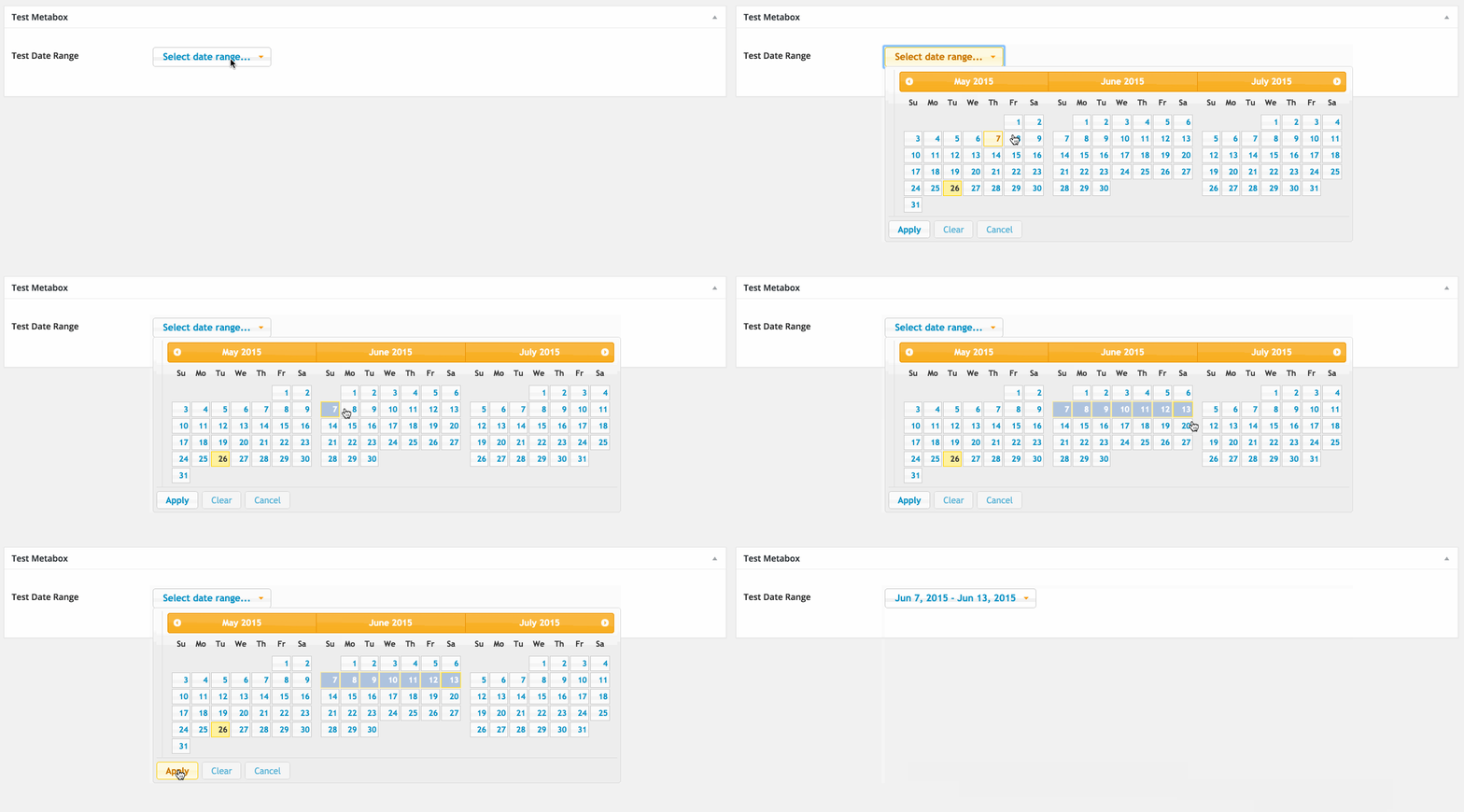
Adds a date range field to CMB2
Installation
Manual Installation
- Upload the entire
/wds-cmb2-date-range-fielddirectory to the/wp-content/plugins/directory. - Activate WDS CMB2 Date Range Field through the 'Plugins' menu in WordPress.
Frequently Asked Questions
How do I use the field?
Use the field type of date_range when initializing your CMB2 Field.
    $prefix = '_yourprefix_';
    $cmb_demo = new_cmb2_box( array(
        'id'           => $prefix . 'metabox',
        'title'        => __( 'Test Metabox', 'cmb2' ),
        'object_types' => array( 'post', ), // Post type
        'context'      => 'normal',
        'priority'     => 'high',
        'show_names'   => true,

    ) );

    $cmb_demo->add_field( array(
        'name'       => __( 'Test Date Range', 'cmb2' ),
        'desc'       => __( 'field description (optional)', 'cmb2' ),
        'id'         => $prefix . 'date_range',
        'type'       => 'date_range',
    ) );
Screenshots
Changelog
0.1.2
- Fix year being stored as "Y" instead of the actual year. Fixes #7
- Make it work without JS. Also, add spinner until daterange picker loads.
- Update styling to work with CMB2's new picker styles.
0.1.1
- The included jQuery UI css was causing major conflicts. This now leans heavily on CMB2 datepicker UI styling.
- Updated to use CMB2 APIs so that expected functionality will not break.
- Moved all JS to separate file and handle initiating datepicker with data attributes on the field inputs.
0.1.0
- First release